¶ VCCS Setup
VCCS is a tool that allows voice-voice coordinations to happen within EuroScope, fast and efficiently. This guide explaines the required steps to have VCCS working correctly.
¶ Steps
- Locate the VCCS mini control window, if it is not present on the screen, enable it via
QUICK SET->Show TS VCCS mini control
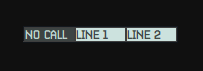
Any inbound or outbound calls will appear on this window, they can be accepted or terminated by left clicking on the relevant line
-
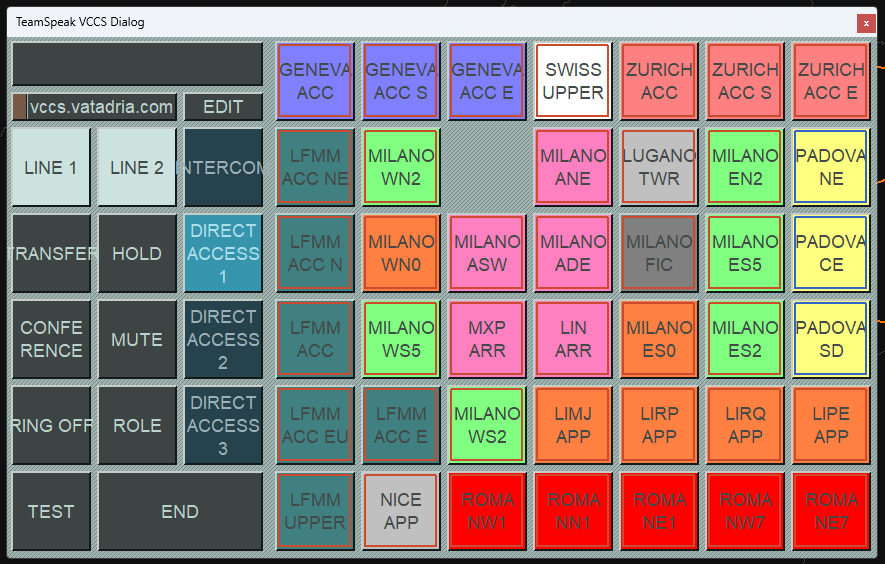
Right click on the window to open the VCCS Dialog
-
Click on
EDITto open the settings
-
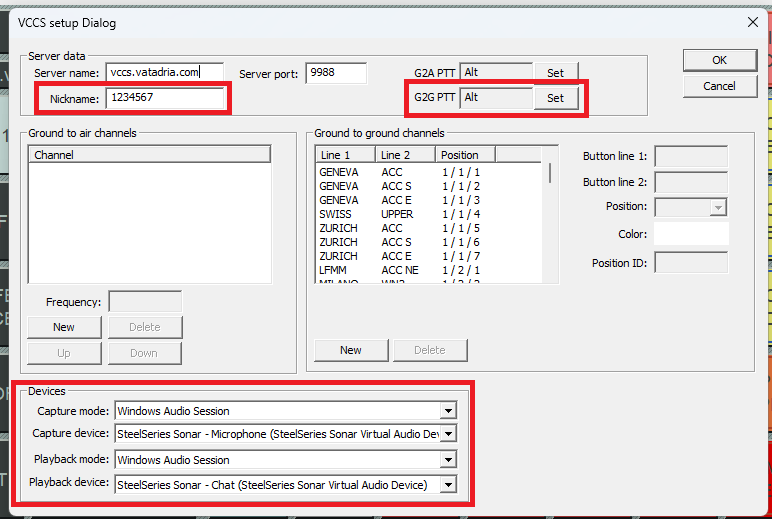
In this page edit the following parameters:
- Nickname: your VATSIM CID
- G2G PTT: your desired PTT button (shall be different than the TrackAudio/AFV PTT!)
- Devices: ensure
Capture modeandPlayback modeare set toWindows Audio Sessionand set the correctCapture device(microphone) andPlayback device(headset/speakers)
-
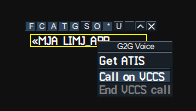
To start a VCCS call you can either left click on the relevant station on the VCCS Dialog or right click on the relevant controller in the controller list and click
Call on VCCS